The Ultimate Guide to Typing Tests
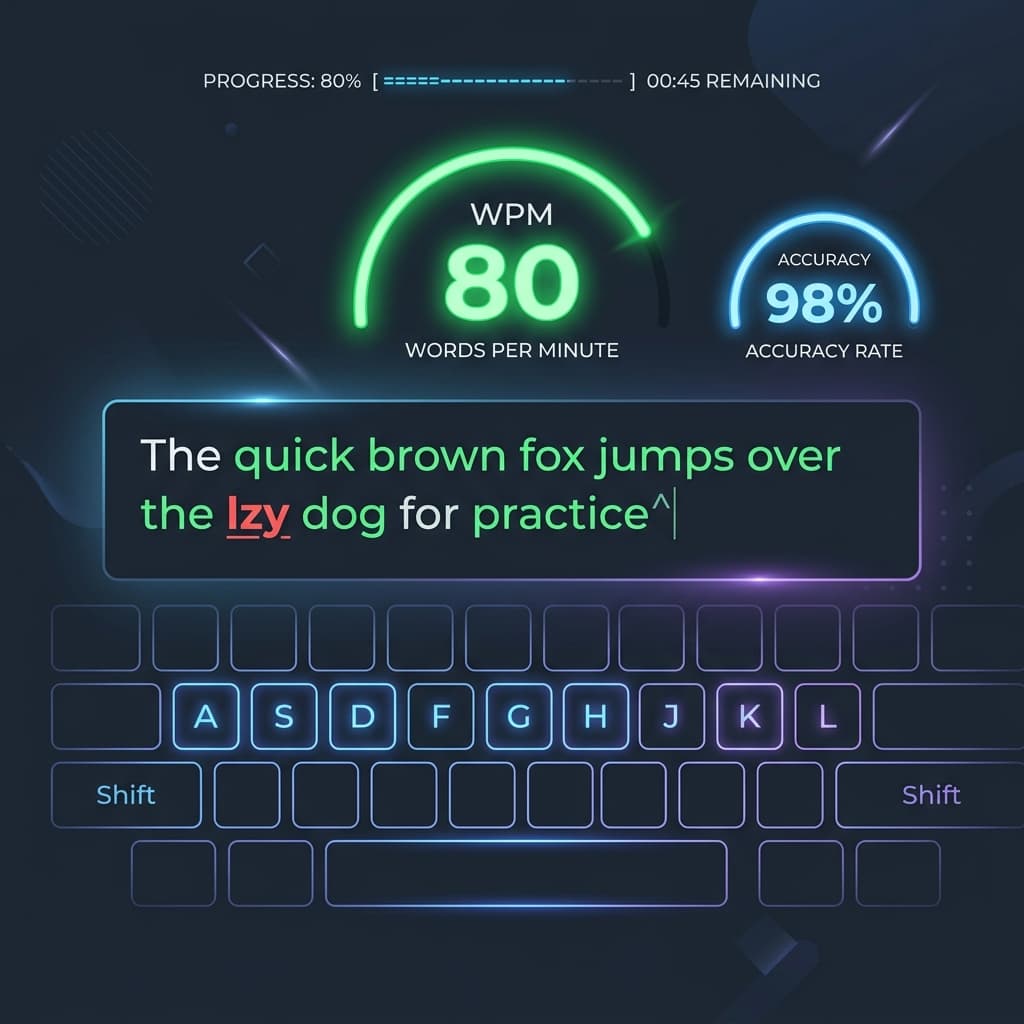
Taking a typing test is the best way to determine your baseline typing speed and accuracy. You might be applying for a data entry job, pursuing a career in programming, or preparing for an SSC typing exam in Hindi. In any case, understanding your current Words Per Minute (WPM) is the first step toward improvement.
Why Typing Speed is Critical in the Modern World
In today's digital economy, your keyboard serves as your primary tool for communication and creation. Consequently, monitoring your progress with a regular typing test is highly important for several reasons:
- It Saves Hundreds of Hours: A person typing at 60 WPM will finish a 3,000-word report in 50 minutes. In contrast, a person at 30 WPM will take nearly two hours. Over a year, therefore, this simple skill translates into weeks of saved time.
- Reduces Cognitive Load: When you touch type automatically via muscle memory, your brain is immediately freed from searching for keys. As a result, you can focus 100% of your cognitive power on the content you are creating. This ultimately results in better code, better writing, and fewer mental blocks.
- Required for Government & Corporate Jobs: Additionally, many high-stakes roles mandate strict typing exams. This is especially true for state and central government clerical jobs (SSC, High Court) in both English and Regional languages (Hindi/Marathi), where there is zero tolerance for high error rates.
The Mathematics of a Typing Test: Formulas Explained
Have you ever wondered exactly how your score is calculated? Fortunately, TypingThunder uses the strict international standard for calculating WPM and errors. Therefore, to help you visualize this, here are the exact formulas that explain the math:
In typing math, a "word" is exactly 5 characters, including spaces. A 10-letter word counts as 2 words.
Your speed without penalizing for mistakes.
Your actual, usable typing speed after removing errors.
The ratio of correct inputs to total inputs.
Understanding Errors and Penalties
Not all mistakes are created equal. For instance, depending on the typing test mode you choose (especially in regional language government exams), errors are heavily penalized. In light of this, it is crucial to understand the differences between various error types:
- Corrected Errors: These are mistakes you make but immediately fix using the backspace key. Although they do not drop your Accuracy or Net WPM, they unfortunately waste valuable time. Consequently, this lowers your overall Gross WPM.
- Uncorrected Errors: These refer to mistakes you leave in the text when the test ends. However, they violently drop your Net WPM with a 1-word penalty per uncorrected error. Therefore, you should try to avoid them entirely.
- Extra/Missed Characters: Typing a letter that wasn't there, or skipping a letter entirely. Both count as a full error for that specific word.
Typing Speed Benchmarks: Where Do You Stand?
Curious about how your WPM compares to the rest of the world? To help you evaluate your performance, here is a general breakdown of typing speeds across different skill levels. Indeed, most professional fields require a minimum of 45 WPM:
| Skill Level | WPM Range | Description |
|---|---|---|
| Beginner | 10 - 30 WPM | Often uses the "hunt and peck" method. Needs to look at the keyboard constantly. |
| Average | 40 - 50 WPM | The global average. Can touch type basic words without looking down. |
| Professional | 60 - 80 WPM | Required for most coding, transcription, or data entry jobs. High accuracy. |
| Elite | 100+ WPM | Competitive typists with near 100% accuracy and complete muscle memory. |
5 Actionable Tips to Improve Your Typing Test Score
Don't just take a typing test blindly. Instead, follow these structured tips to see rapid improvement in both your English and Regional Language (Hindi Mangal/Krutidev) typing tests:
- Master the Home Row: First, always rest your fingers on `ASDF` (left hand) and `JKL;` (right hand). According to Wikipedia's touch typing guide, keeping your hands on the home row minimizes movement and maximizes speed. In addition, your index fingers should feel the small physical bumps on the `F` and `J` keys to orient yourself without looking.
- Never Look Down: Second, looking at the keyboard breaks your concentration and destroys your speed. Therefore, if you make a mistake, trust your fingers to find the backspace key automatically.
- Focus on Accuracy First: Furthermore, do not try to type fast. Instead, try to type perfectly. As a matter of fact, speed is a natural byproduct of flawless accuracy.
- Use the Right Hardware: On the other hand, using the right hardware is equally essential. For example, a good mechanical keyboard or a high-quality laptop keyboard with tactile feedback can significantly reduce missed keystrokes.
- Practice Daily: Finally, typing is pure muscle memory. For example, 15 minutes of focused practice every day yields much better results than 2 hours of practice once a week.
Frequently Asked Questions (FAQ)
What is a typing test?
A typing test measures how fast and accurately you can type. It calculates your Words Per Minute (WPM) by dividing the total number of characters typed by five.
How can I improve my typing speed?
Improving your typing speed requires daily touch typing practice, maintaining proper wrist posture, looking at the screen instead of the keyboard, and prioritizing 100% accuracy over raw speed.
Is a Hindi typing test harder than an English one?
It depends on your familiarity. Hindi typing requires complex modifier keys for matras and half-characters, especially on layouts like Krutidev or Mangal. Consequently, this leads to a steeper learning curve than standard English QWERTY typing.